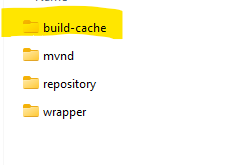
One of the advantages Gradle had over Maven was build caching.
Thanks to Maven Cache Build Extension you can also get build caching for maven builds too.
How to set this up
On the top level of your maven project add
.mvn folder
Within the mvn folder add extensions.xml and maven-build-cache-config.xml
Example
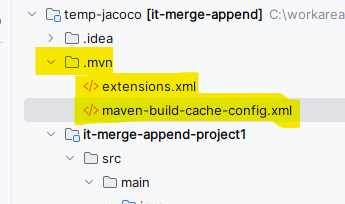
The contents of extensions.xml should be something like this
<extensions>
    <extension>
        <groupId>org.apache.maven.extensions</groupId>
        <artifactId>maven-build-cache-extension</artifactId>
        <version>1.2.1</version>
    </extension>
</extensions>
The contents of maven-build-cache-config.xml should be like this from the template provided by in this In the Getting Started page for Maven Build Cache Extension
(link for the template config can be found here)

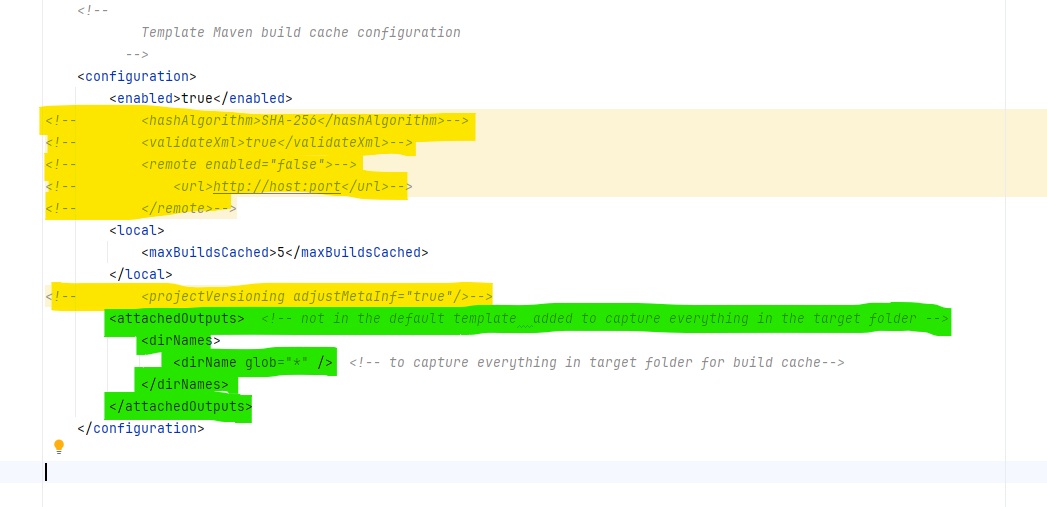
Note the default config has remote enabled, which is annoying default if you just want to get local build cache working first.
So here are few adjustments I made to the template maven-build-cache-config.xml
(yellow commented out , green additional config added)
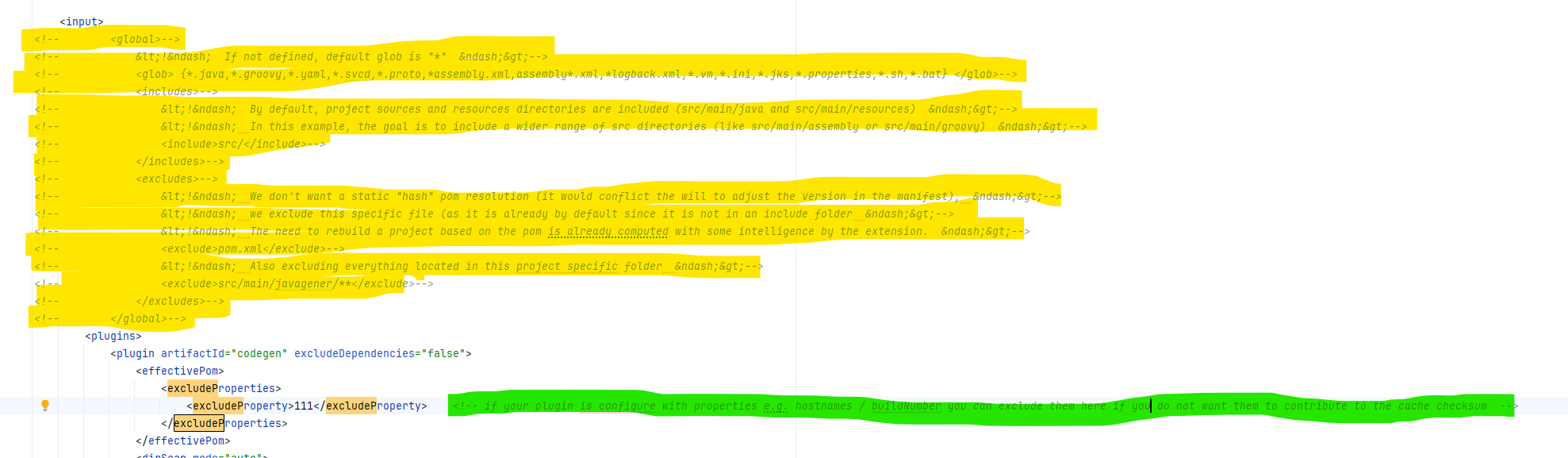
Also for slimplicity I also comment out the global section with in the input section of the template
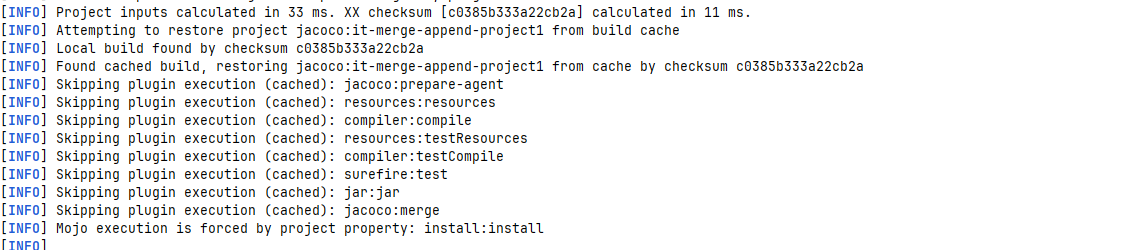
Now when you run your maven build (the second time), you should see it skipping various plugins as it uses the cached results instead
Where is the cached build stored? By default in the same folder your your m2 repository resides